What are the development tools available in Google ADK (adk web, adk run, adk api_server, adk eval)?
#google-adk#cli#development#debugging#web-ui#tools
Answer
Google ADK Development Tools
Google ADK provides 5 CLI tools for building, testing, debugging, and deploying agents.
CLI Tools Overview
| Command | Purpose | Use When |
|---|---|---|
text | Scaffold new agent project | Starting a new agent |
text | Terminal-based agent interaction | Quick testing |
text | Visual development UI | Development & debugging |
text | HTTP API for agent | Integration testing |
text | Run evaluations | Quality assurance |
1. textadk create
- Scaffold Agent
text
adk createbash# Create code-based agent adk create my_agent # Create config-based agent (YAML) adk create --type=config my_agent
Output structure:
textmy_agent/ ├── __init__.py ├── agent.py # agent definition └── .env # API keys
2. textadk run
- Terminal Interaction
text
adk run
bash# Interactive terminal chat adk run my_agent # With specific environment adk run my_agent --env .env.production
3. textadk web
- Visual Dev UI
text
adk web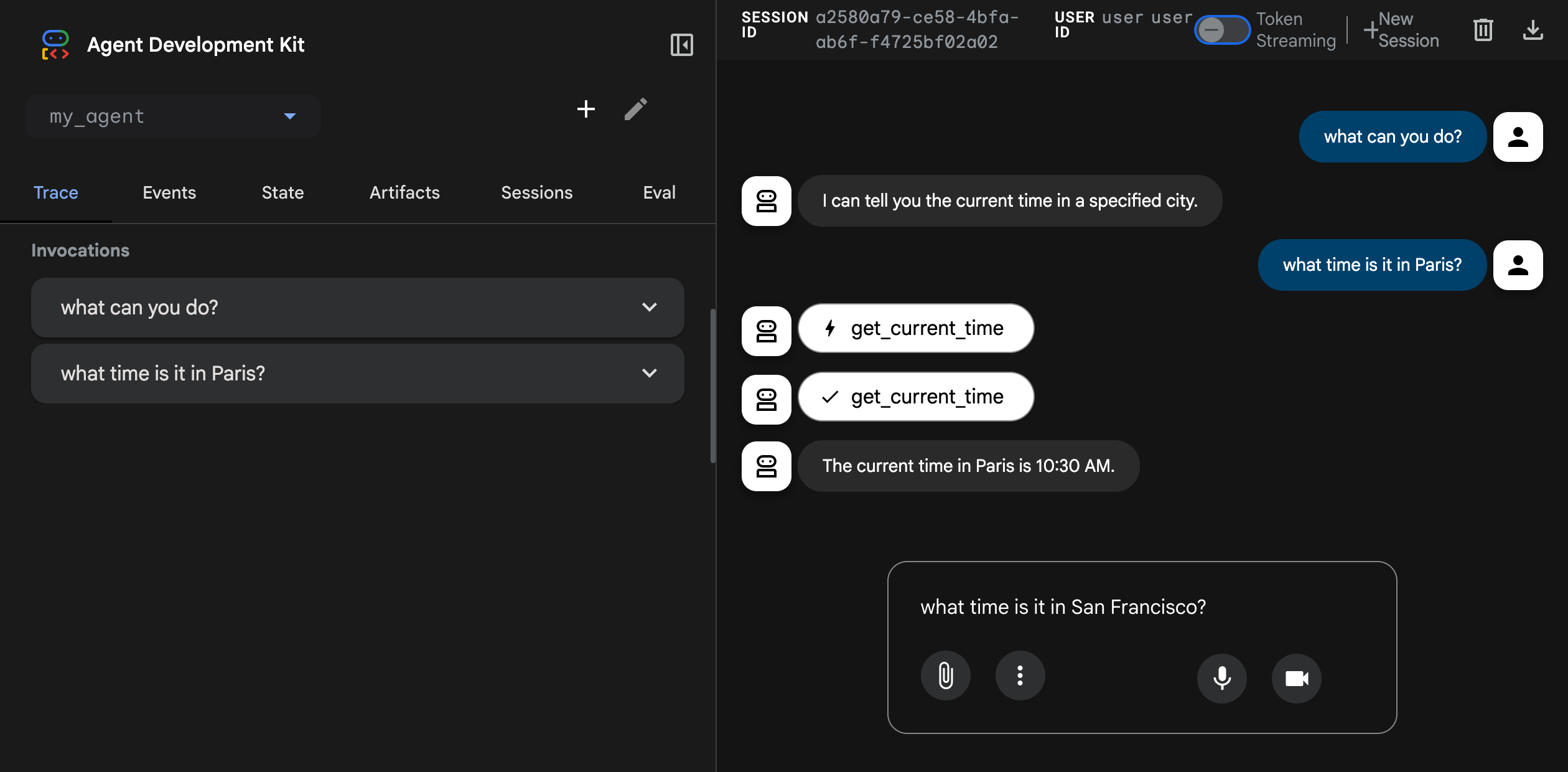
bash# Launch web UI on localhost:8000 adk web my_agent # Custom port adk web my_agent --port 3000
Web UI Features
Chat Interface:
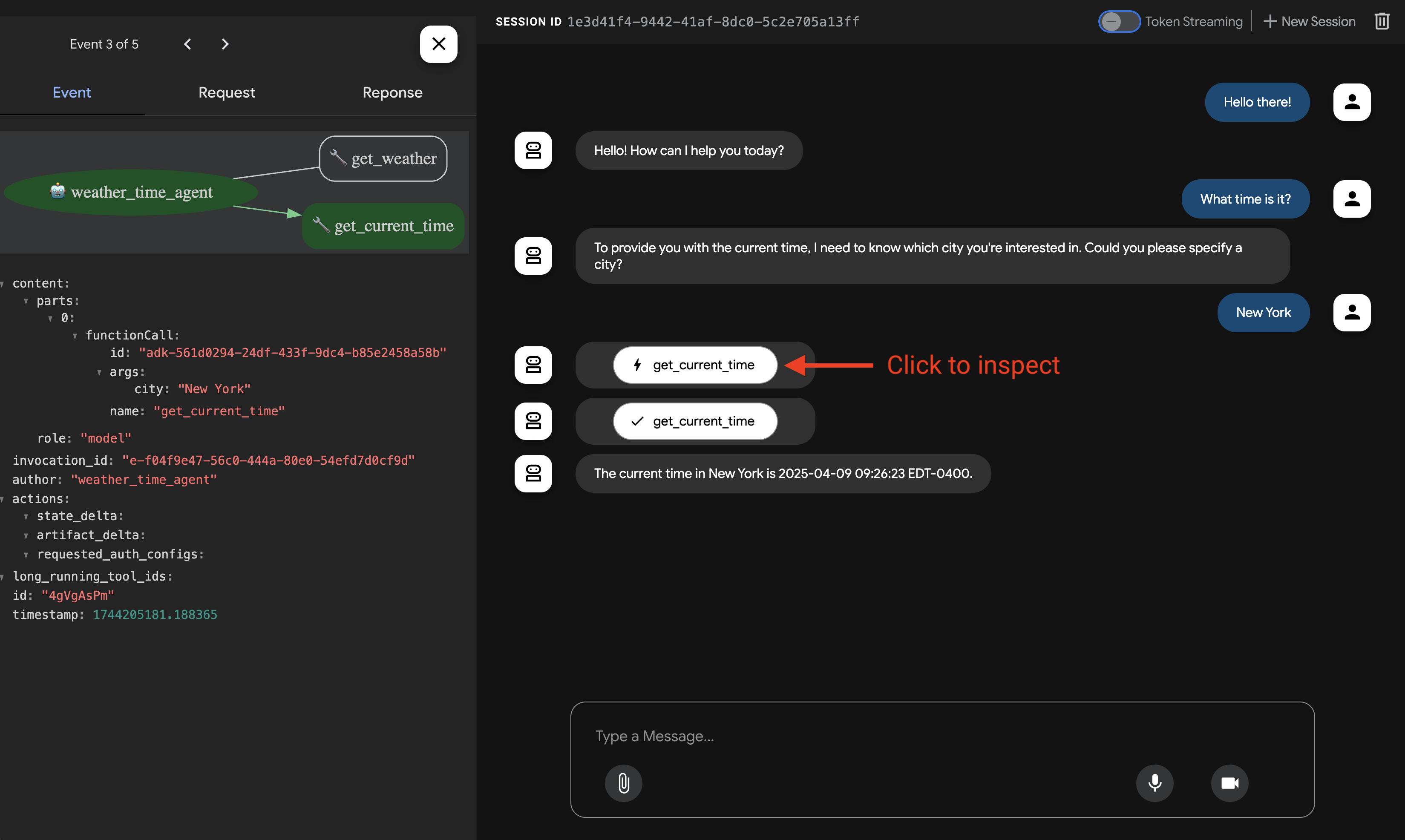
Function Call Inspection:
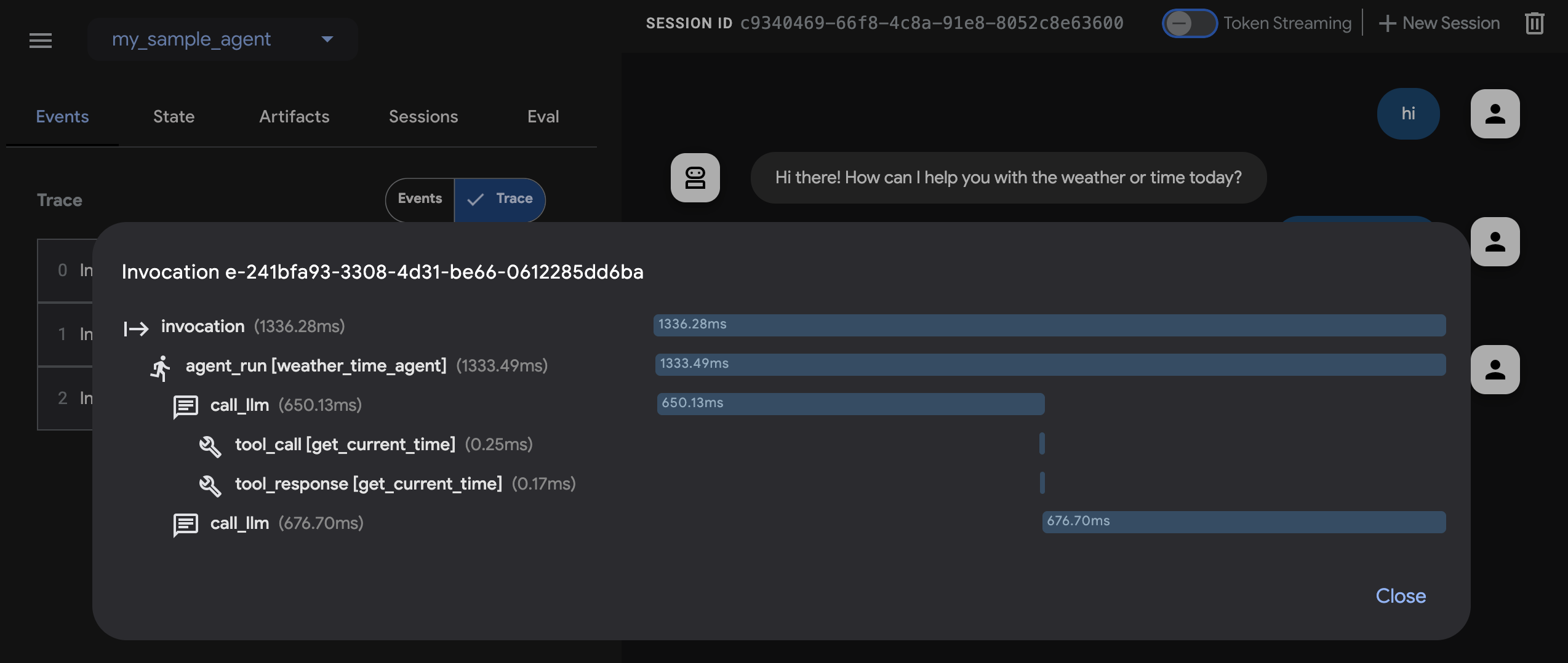
Trace View:
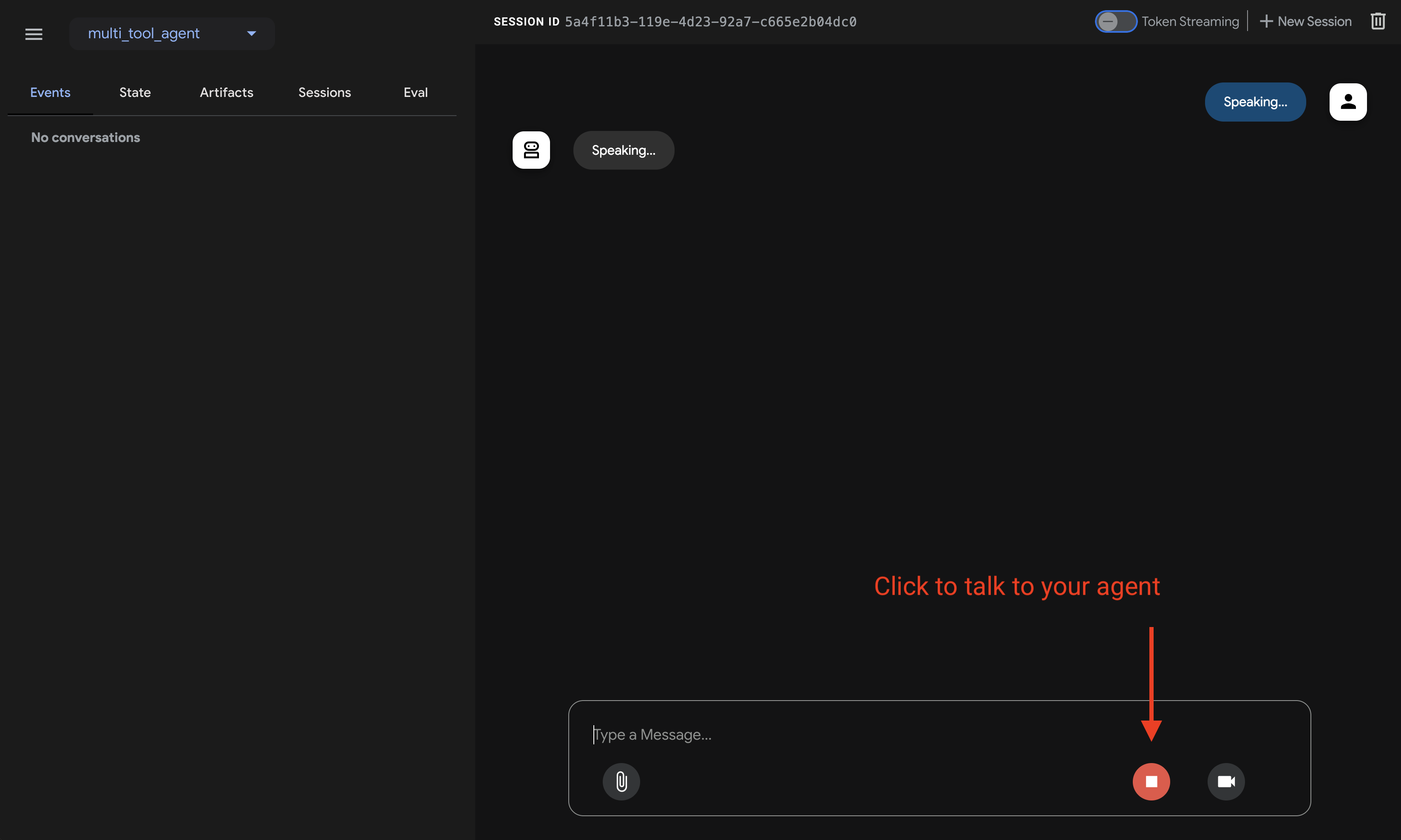
Audio Streaming:
4. textadk api_server
- HTTP API
text
adk api_server
bash# Start API server adk api_server my_agent --port 8080
bash# Test with curl curl -X POST http://localhost:8080/run \ -H "Content-Type: application/json" \ -d '{"user_id": "user-1", "message": "What is RAG?"}'
5. textadk eval
- Run Evaluations
text
adk evalbash# Run all tests adk eval my_agent tests/ # Run specific test file adk eval my_agent tests/weather.test.json # Verbose output adk eval my_agent tests/ --verbose
Development Workflow
Learn more at Getting Started and Quickstart.