Explain the deployment options for Google ADK agents (Vertex AI, Cloud Run, GKE, Docker).
#google-adk#deployment#vertex-ai#cloud-run#gke#docker#production
Answer
Deploying Google ADK Agents
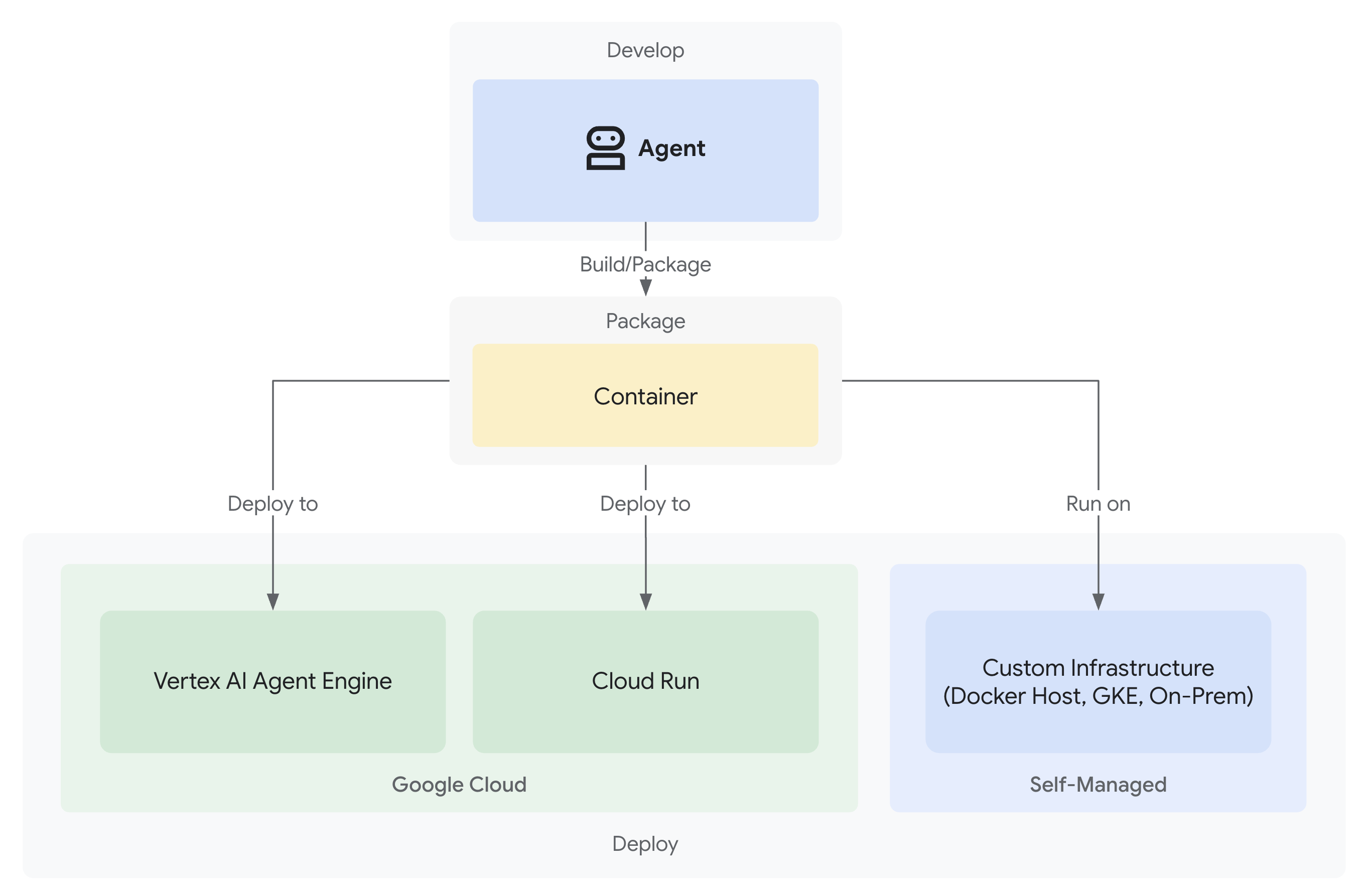
Google ADK agents can be deployed across multiple platforms from fully managed to self-hosted.
Deployment Options
| Platform | Type | Auto-scaling | Managed | Cost |
|---|---|---|---|---|
| Vertex AI Agent Engine | Fully managed | Yes | Yes | Pay-per-use |
| Google Cloud Run | Serverless containers | Yes | Semi | Per request |
| Google Kubernetes Engine | Orchestrated | Yes | No | Cluster cost |
| Docker | Container | Manual | No | Self-hosted |
| Local | Development | No | No | Free |
1. Vertex AI Agent Engine (Recommended for Production)
pythonfrom google.adk.agents import Agent agent = Agent( name="prod_agent", model="gemini-2.5-flash", instruction="You are a production assistant.", tools=[search_documents], ) # Deploy to Vertex AI # adk deploy vertex --project=my-project --region=us-central1
2. Google Cloud Run
python# Dockerfile # FROM python:3.12-slim # WORKDIR /app # COPY . . # RUN pip install google-adk # CMD ["adk", "api_server", "--port", "8080", "my_agent"]
bash# Build and deploy docker build -t my-agent . gcloud run deploy my-agent \ --image gcr.io/PROJECT_ID/my-agent \ --platform managed \ --region us-central1 \ --allow-unauthenticated \ --set-env-vars GOOGLE_API_KEY=your-key
3. Google Kubernetes Engine (GKE)
yaml# deployment.yaml apiVersion: apps/v1 kind: Deployment metadata: name: adk-agent spec: replicas: 3 selector: matchLabels: app: adk-agent template: metadata: labels: app: adk-agent spec: containers: - name: agent image: gcr.io/PROJECT_ID/my-agent ports: - containerPort: 8080 env: - name: GOOGLE_API_KEY valueFrom: secretKeyRef: name: api-keys key: google-api-key
bashkubectl apply -f deployment.yaml kubectl apply -f service.yaml
4. Docker (Self-Hosted)
bash# Build docker build -t my-agent . # Run locally docker run -p 8080:8080 \ -e GOOGLE_API_KEY=your-key \ my-agent # Or with docker-compose docker compose up
5. Local Development
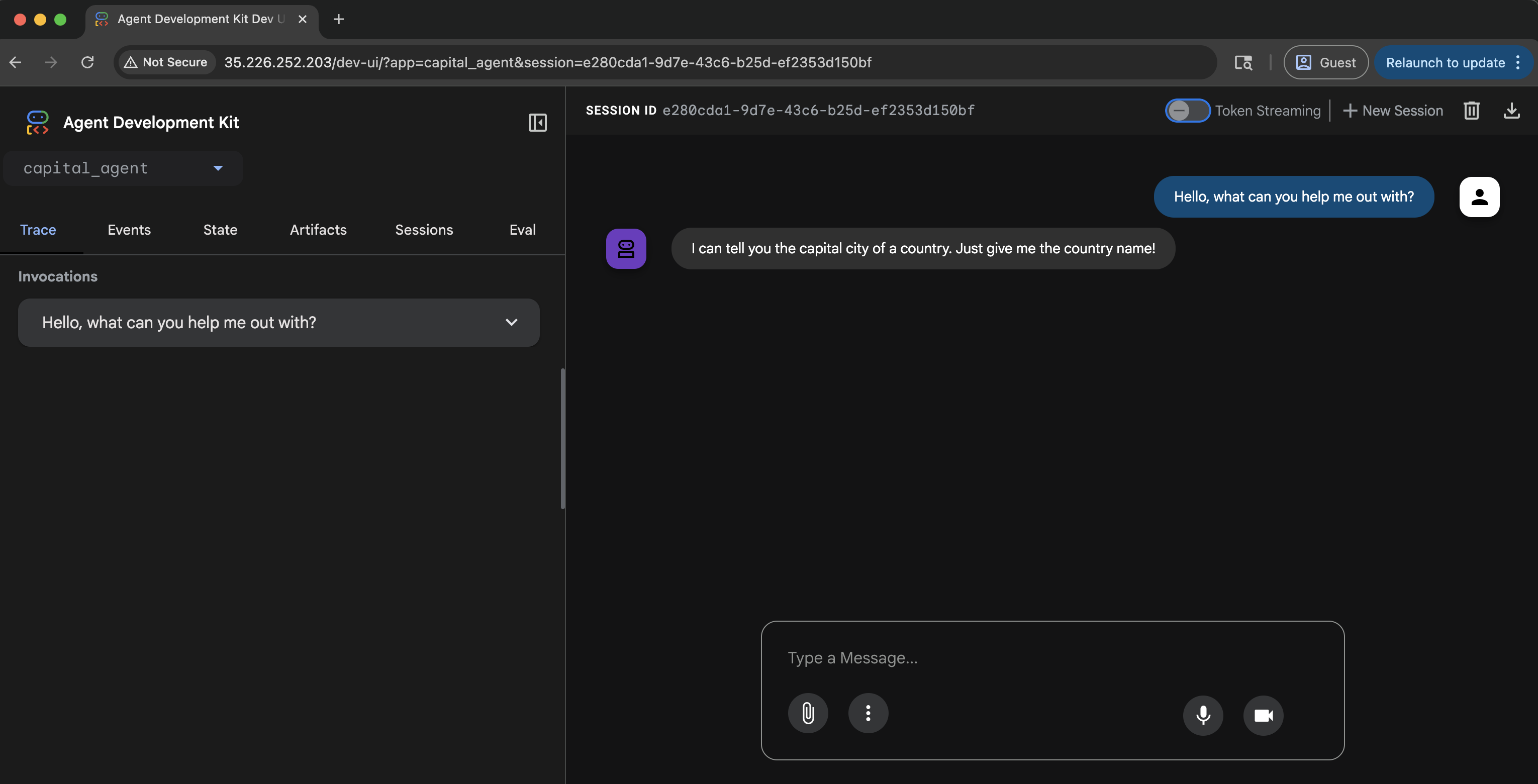
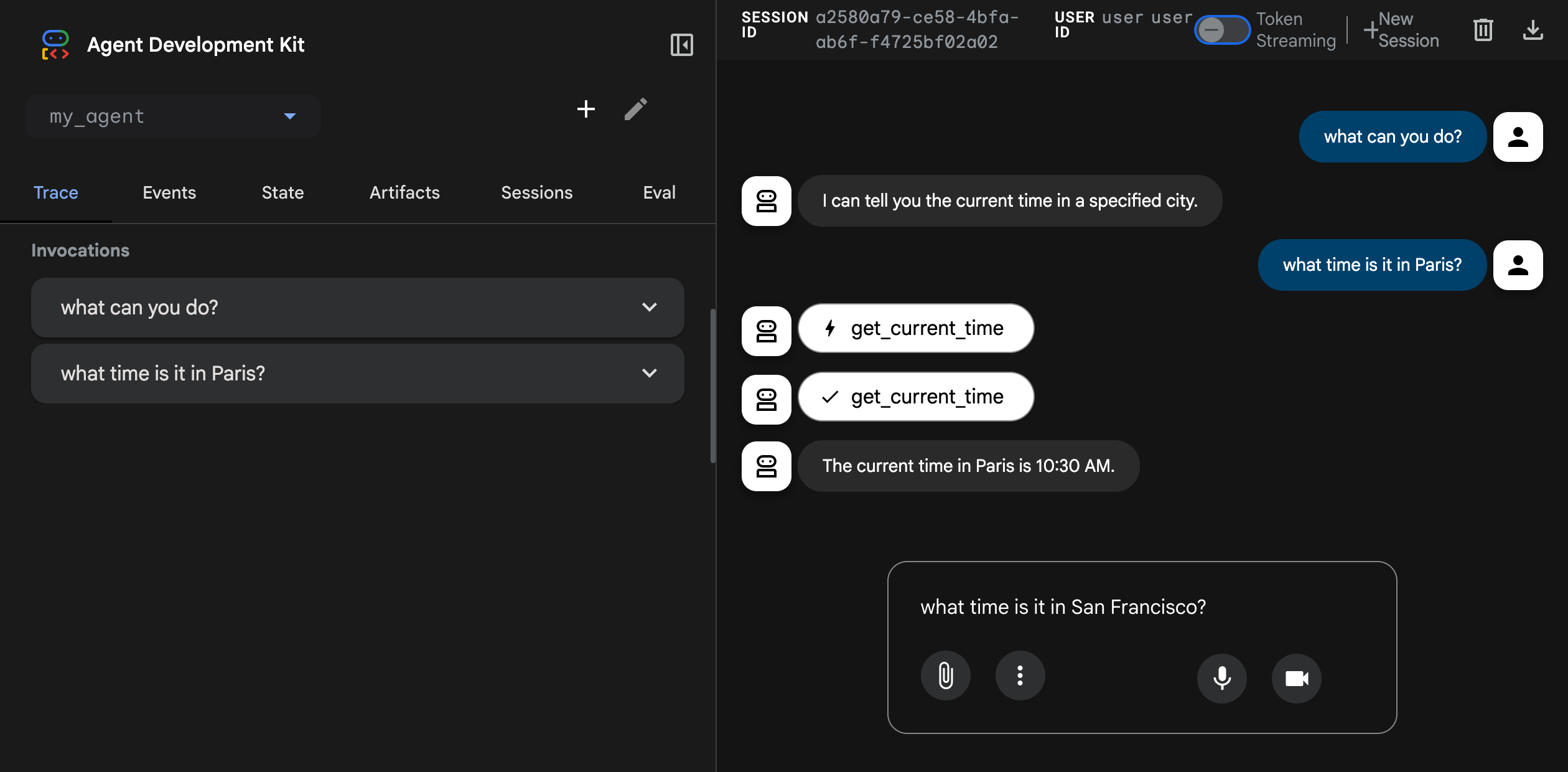
bash# Terminal interaction adk run my_agent # Web UI development adk web my_agent # API server adk api_server my_agent --port 8080
Choosing the Right Deployment
Learn more at Deployment.